Update for 2026-06-11
Terrablox » Devlog
Terrablox Voxel VTT Devlog 3 | Lots of quality of life features
Play
Tokens
- Unique tokens: token data stored as Markdown notes in
characters/; editable in Obsidian or any text editor - Hidden tokens: GMs can hide tokens from players; hidden tokens shown to GM with ghost rendering
- Hidden token state saved/loaded; fog-of-war respects hidden flag
- Redesigned token edit dialog with tabbed layout
- Top-down token display mode (shows token image as a flat top-down view)
- Alternate base shapes: square, rectangle, n-gon, and more
- Token copy & paste, copies as human-readable text like slabs
- Token library (save/load tokens to library)
- Token image browser with thumbnail previews
- Option to colorize standees to token’s color
- Standee thickness proportional to base radius; billboard logic fixes; fix mirrored 2D images
- Replace token facing arrow with a pointed base
- Center camera on actual token position instead of Y=0
- Token selection highlights; click cycles through overlapping tokens
- Select and move multiple tokens and/or props (hold Shift to select additional objects)
- Auto-rotate token to face direction of movement
- Stat overlay settings respected for multi-token selections
- Hidden token values no longer discarded on edit
- Token name/stats overlay hidden when token is hidden
- Copy/paste gated behind build & GM permissions
- Multi-sided standee support
- Stat quick-edit buttons and dialog bugfixes
- Token context menu placement fix
Mounts & Vehicles
- Token ride slots: tokens can mount other tokens or props, riding along as they move
- Any token can have one or more ride slots - each slot is defined with an offset and rotation relative to the token
- Riders carry their mounts on props during movement
- Mounts and riders squish together under ceilings (auto-height adjustment)
Flying Tokens
- Drop lines respond to light and shadow; snap to whole voxels
- Improved flying token movement collision
- Drop line bug fixes
Animated Props
- Animated props: props can play looping animations with configurable speed
- Tokens riding animated props lerp smoothly
- Toggle to lock prop movement so you don’t accidentally move them
- Use
-/+keys to adjust animation offset
Turn Tracker
- Turn-based mode: initiative/turn tracker panel with configurable turn order
- Turn tracker can track turns by team or by token
- Movement gated by turn in turn-based mode
Chat & Communication
- In-game chat panel: OOC (speak as player) and IC (speak as controlled token) channels
- Dice rolling, emotes, and input history in chat
- Use token stats (HP, etc.) in dice rolls like /roll 2d6+[Strength]
- Secret dice rolls: roll results visible only to the GM
- Private messaging between players
- Chat toast notifications; click toasts to open chat panel
Notes
- Note system: campaign-level and scene-level
.mdnotes - Hot reload externally edited notes (live sync if editing externally)
Markers
- Place named markers in scenes with labels, team assignment, and optional notes
- Customizable marker colors
- Markers can show “attached” notes for context
Rulers & Measurement
- Surface-snap and flying ruler tools
- Cone ruler UX improvements
- Show height delta on movement rulers
- Ruler rendering as “CAD rulers” with visual tweaks
- Secret rulers: ruler measurements visible only to the GM and the measuring player
Camera & Display
- GM-controlled spectator camera: GM can set a scene-level spectator cam preset
- Second monitor window: floating SpectatorMonitor window with independent camera, shares main World3D via SubViewport
- Per-camera FOV settings in options panel
- Extra camera controls: WASD movement, Q/E vertical
- Option to swap orbit/pan controls
- First-person camera mode
- Lerp camera and token movement with easing
Scene Export
- Export scenes as images: top-down and 4 isometric views; configurable px-per-block; transparent or solid background
Building
Brushes
- Freehand “pencil” brush for Build and Paint modes (draws freehand strokes along surfaces)
- Toggle between square and circle brush shapes for Single, Pencil, Line
Shapes & Drawing
- Draw shapes using two colors (fill + border)
- “Null” color added to palette - use as “inside” color to draw hollow shapes
- More nuanced inside/outside logic for shapes
- Unified
Ctrl/Althotkeys for all shape drawing; force square aspect ratios, draw from center - Unified “width” control and behavior across brush types - always basically means “brush/outline width”
- Copy & paste props — toggle
Pto paste as normal blocks (or copy blocks as a prop)
Surface Tools
- “Snap” mode for building: placed blocks move up/down to follow surfaces.
Textures & Materials
- Texture-based block noise (variation per block face) instead of random vertex gradients
- “Stipple” mode where each block is randomly drawn as color 1 or color 2
- Density control for stipple texture; re-randomize RNG between draws
- Scene-setting noise strength slider
- Various noise texture bug fixes; extend noise to props; remove noise from emitter blocks
Visual Modes
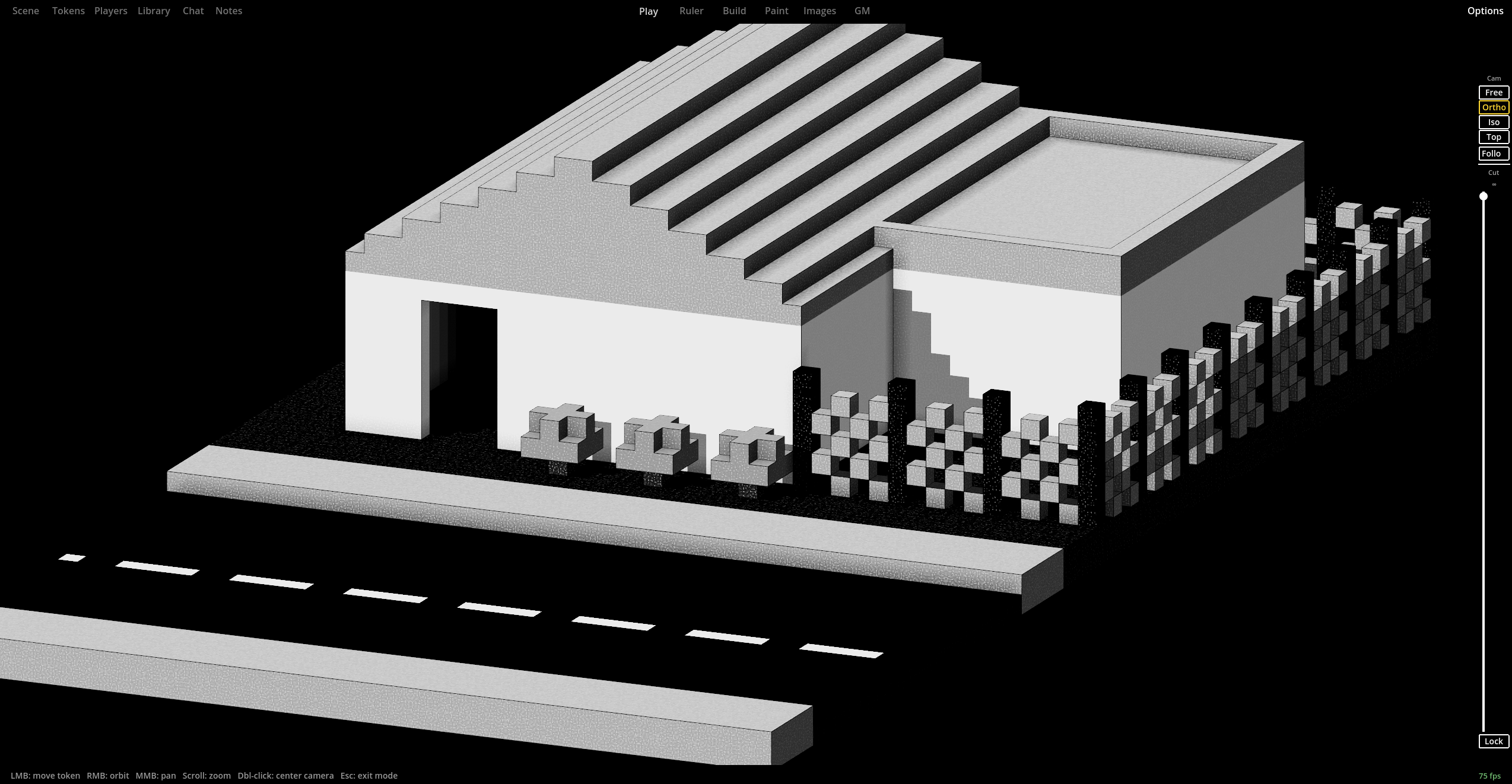
- “Moonside” effect: outlines-only rendering mode; keep transparent surfaces visible; emitter blocks stay bright; softened grid outlines
- Cel shading mode (smooth and “hard” quantized shadow bands)
- “Blueprint” style: outlines-only block rendering; props and tokens adapt
- Exposure control added to scene post-process settings
- Skip outlines on transparent blocks
Color Palette
- Expanded color palette
- Allow loading malformed
.PALpalette files gracefully
Cut Plane
- Allow editing blocks which fall exactly on the cut layer
- Refresh cut plane cap on block edits (instead of leaving openings into geometry)
- Automatic cut plane bug fixes - should have more consistent behavior for various sized tokens
Lighting
- Fix light boost getting stuck “on” when exiting Build/Paint mode
- Batched lighting improvements - faster light updates
- Fix light update race condition
- Discard light texture updates with no diff - much less work being pushed to the GPU after edits
Fog of War
- Fog-of-war optimization (C++ extension + GDScript path improvements)
- LOS and FOW fixes so props can act as doors (block LOS)
General UI/UX
- Alternate scene backgrounds: solid color and full fog
- Post-process adjustments per scene
- Theme cleanup and consistent application across all dialogs and windows
- Tool shelf reorganized to fit smaller screens
- Exit/back buttons added to all menus (lobby, campaign picker, options)
- Options button added to top bar
- Color picker decoupled from palette
- Show token image preview in token edit dialog
- Tactical overlay moved to
Tabkey toggle; tactical grid bug fixes - Standardized “slab” terminology throughout UI and code
- Scene settings panel reorganized
- GM mode tool shelf reorganized
- Autosave & save+exit bug fixes
Files
Terrablox_2026-06-11.zip 38 MB
Jun 13, 2026
Get Terrablox
Terrablox
3D voxel virtual tabletop
| Status | In development |
| Author | T. Hill-Hand |
| Genre | Role Playing |
| Tags | Level Editor, Multiplayer, Tabletop, Tabletop role-playing game, Voxel, VTT |
| Languages | English |
| Accessibility | Configurable controls |
More posts
- Updates for 2026-10-2224 days ago
- Updates for 2026-09-2943 days ago
- Updates for 2026-08-1197 days ago
- Updates for 2026-07-15Jul 15, 2026
- Updates for 2026-06-23Jun 24, 2026
- Updates for 2026-05-28May 28, 2026
Leave a comment
Log in with itch.io to leave a comment.